
APPLIES TO ALL T SERIES VHEDIA HEADUNITS
SKUs: T- XXXXXX-A13
ARTICLE NO: VH823524
Issue: If you notice the AC settings screen on your T-Series unit randomly popping up (like in the image below), this usually happens because the unit’s CANBUS is communicating with your car. The head unit detects small changes in your vehicle’s AC temperature settings and automatically brings up the AC screen.
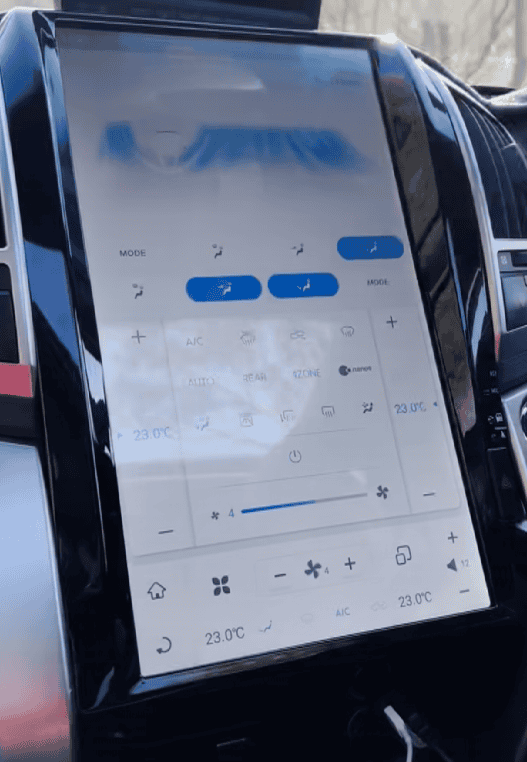
Please follow these steps:
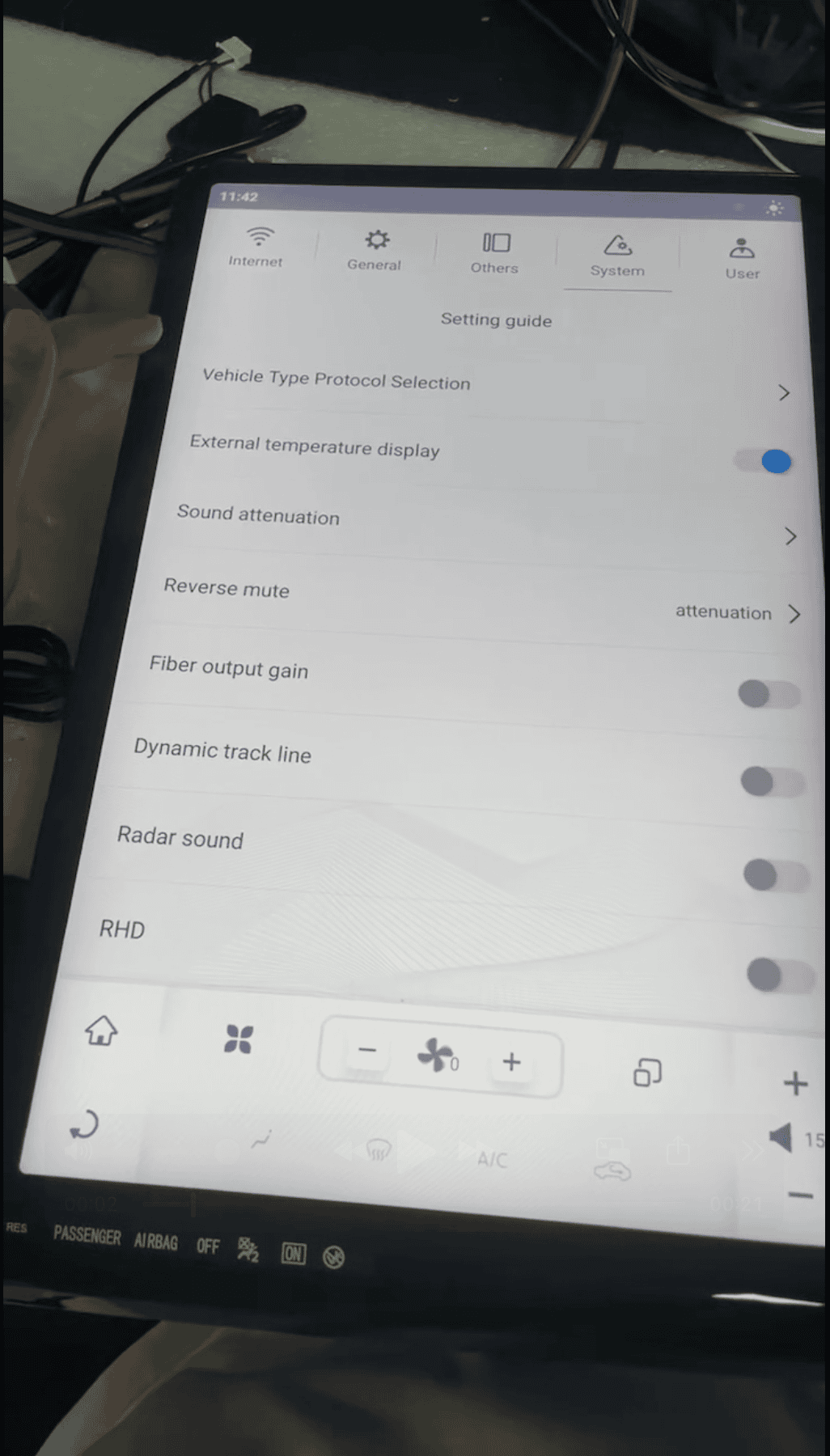
1. Go to System > Setting guide

2. Tap Vehicle Type Protocol Selection > Enter the passcode "8861"

3. Tap the Gear Icon and Toggle Off "Automatic pop up climate".
4. Tap the Home Icon and then swipe down on the top of your screen and choose Reboot System.
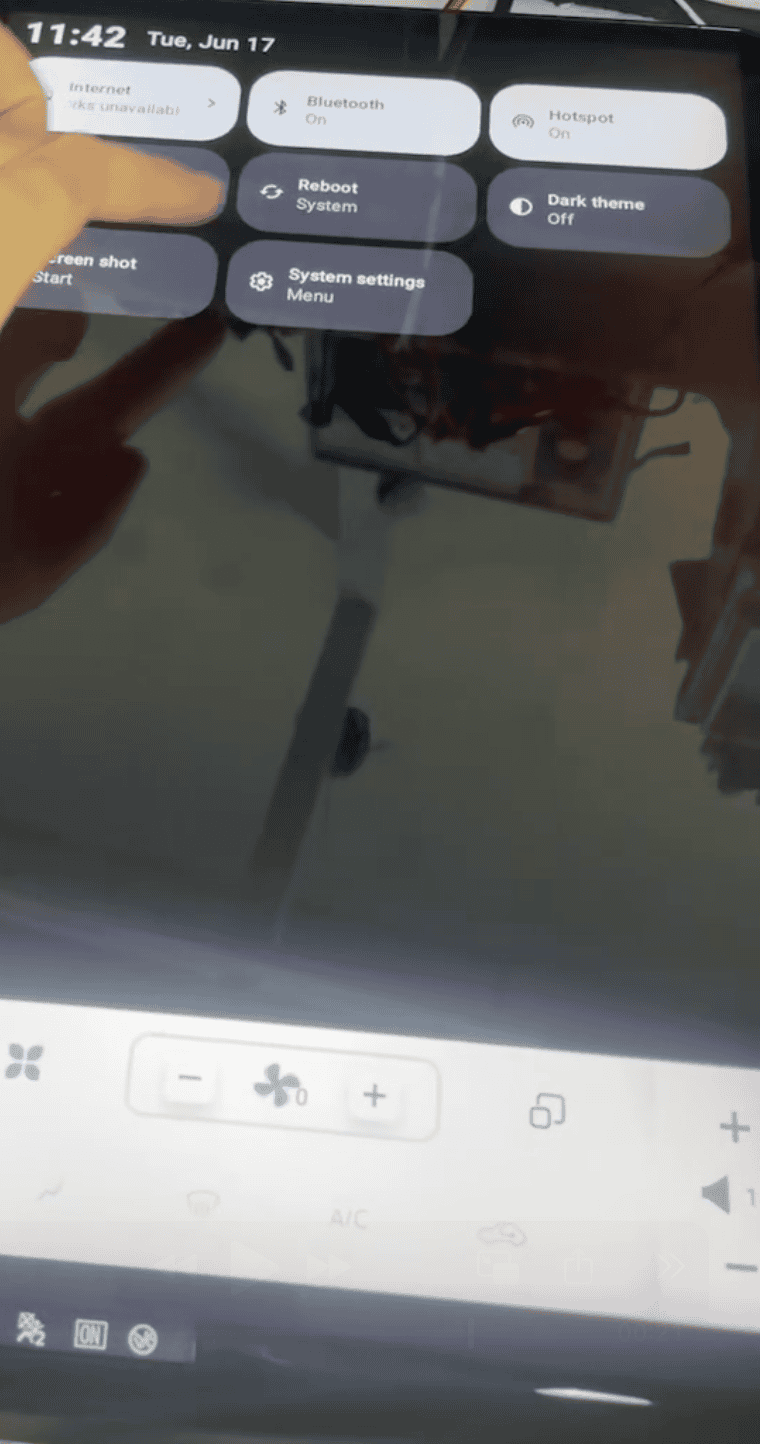
These steps should help you turn off the AC settings screen randomly popping up.